
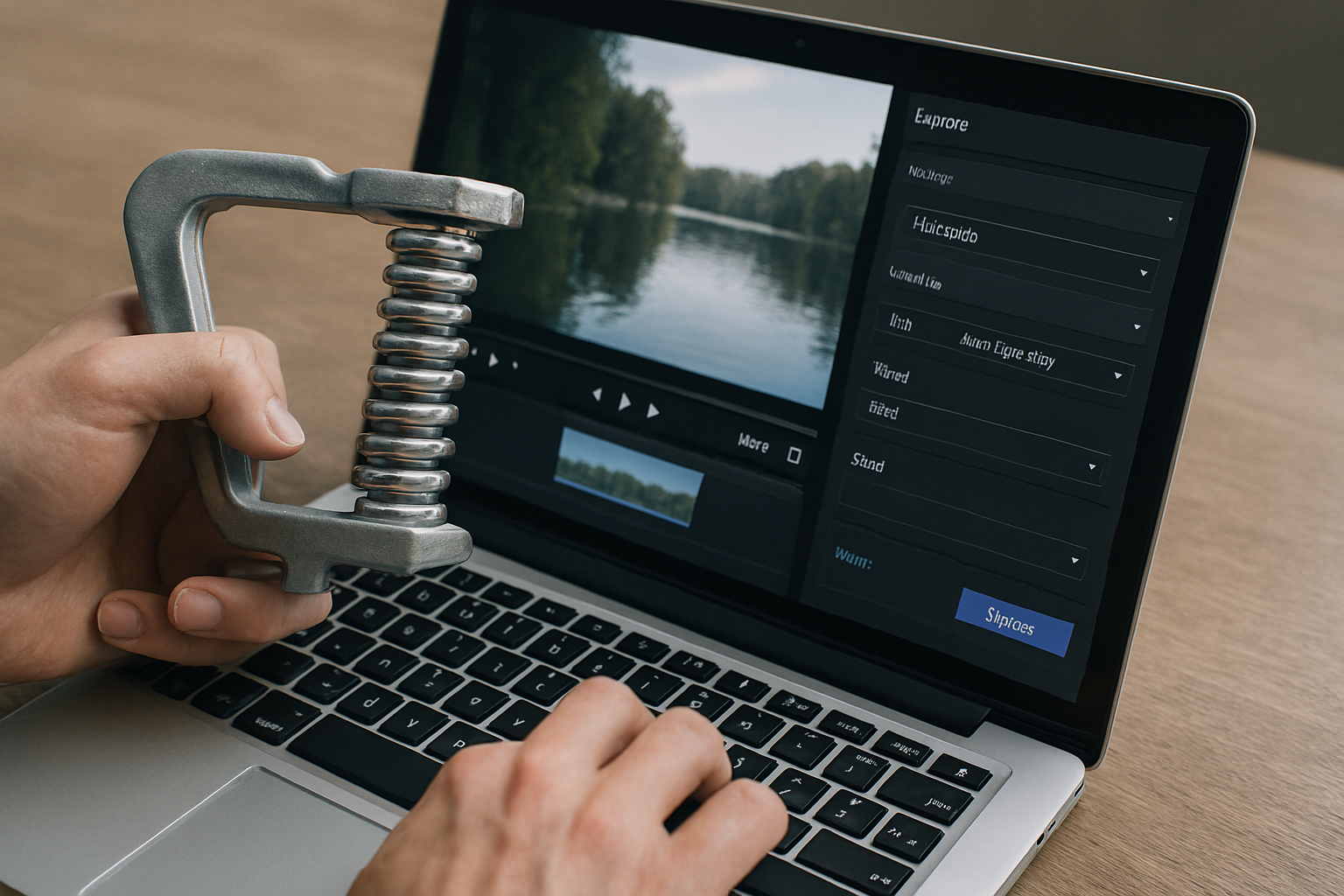
Uploading and sending large video files online in their original form can be very frustrating. Due to the size, it takes too long to upload and is very slow to send. If you are transferring via email or social media, it may also be rejected. To make the file easier to send, you may need to compress the video to reduce its size.
However, most people dont understand the concept behind compressing files. Many think that compressing files reduces their quality, losing audio details or other important features. But it’s all about removing unnecessary data while preserving the visuals and audio. Hence, it reduces the file size while retaining the original quality. The overall objective is to use smart lossy compression that preserves quality while reducing file size.
Here are the important things to consider when compressing video files to retain their quality.
Choose the Right Video Format
The most common and easiest way of reducing the size of a video file is to convert it from its current format to a different format. If you choose the most appropriate format, you are likely to achieve the desired file size without compromising on its quality.
One of the most compatible and efficient formats is MP4. This format makes the file easy to upload to various platforms and the playback is smooth on various devices, from PC to tablets and smartphones. Additionally, it helps transform old video files with playback issues into a more efficient MP4 format.
The other way is using newer codecs such as H.264 or H.265. These versions are designed to convert large video files to a smaller size while maintaining high-quality output. Exporting these videos into codecs makes it possible to share without buffering.
Adjust the Resolution
High-resolution video files are always very large because the recording quality consumes more storage. Such files include 4K recordings meant for viewing on large devices like smart large screen TVs. However, the same content may be of interest to viewers using social media platforms or may need to be sent via email. That may not be easy, if not impossible.
The best solution is to reduce the original high resolution, such as from 4K to a lower resolution of say 1080p. This simple hack will drastically compress the video file for viewing on most screens. However, it’s important to apply the most appropriate resolution, as reducing it too much will deliver a poor quality playback that viewers won’t appreciate. The point is to find the resolution your audience needs.
Moderate the Bitrate
Bitrate is the amount of data consumed, processed or transmitted per second of time in digital video and audio. A larger file consumes a higher amount of data because its bitrate is equally high. Without converting the video format, it’s possible to reduce its size by lowering the bitrate in video editing software. If you are not conversant with how it may affect the quality, it is done wrong manually. Just use the preset options for automatic adjustments.
Using Online Compressor Platforms
Good compression software and editing tools for video come at a cost. You also need to have some minimum technical skills to operate and produce high-quality videos. Instead, you can benefit from ready-to-use online video compressing platforms.
Some of these online tools, such as Streamvi Video Compressor, are free, simple to use and compress videos fast without losing quality. You only need to upload the video file you intend to reduce the size and select your preferred output settings. The platform will automatically generate a smaller version, ready to download and share.
Additionally, reliable platforms can compress and produce video files from their original formats into your preferred formats, including MP4, MKV, and MOV. Therefore, you dont have to worry about converting formats before compressing. These online tools are very efficient for generating easy-to-share videos through emails, messaging apps, social media or storing them in the cloud.
Trim Video and Sound Optimization
Our final recommendation for converting large video files for easy transmission, sharing, and playback across devices is to trim the video and optimise the audio. Trimming means cutting off unnecessary sections or repeated scenes and pauses with no content. Removing these parts does not interfere wth the content and quality. It actually smoothens the flow of events in the video and enhances the viewer’s experience while reducing the original size.
As for the audio, it can also be adjusted carefully from the original studio-level sound quality to a lower bitrate sound. The sound change may not be noticed even by keen viewers when done moderately, so as not to interfere with clarity. Hence, avoid compressing audio too much to make your video feel unprofessional.